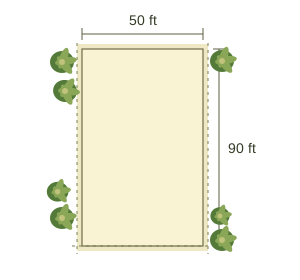
01
Set your plot
Add dimensions and room needs.
 AISIM
AISIMYOUR SPACE, REIMAGINED
Turn your plot dimensions into an editable floor plan. Arrange furniture, explore your final 3D view, and step inside your home before you build.
Start with your dimensions. Make it your own.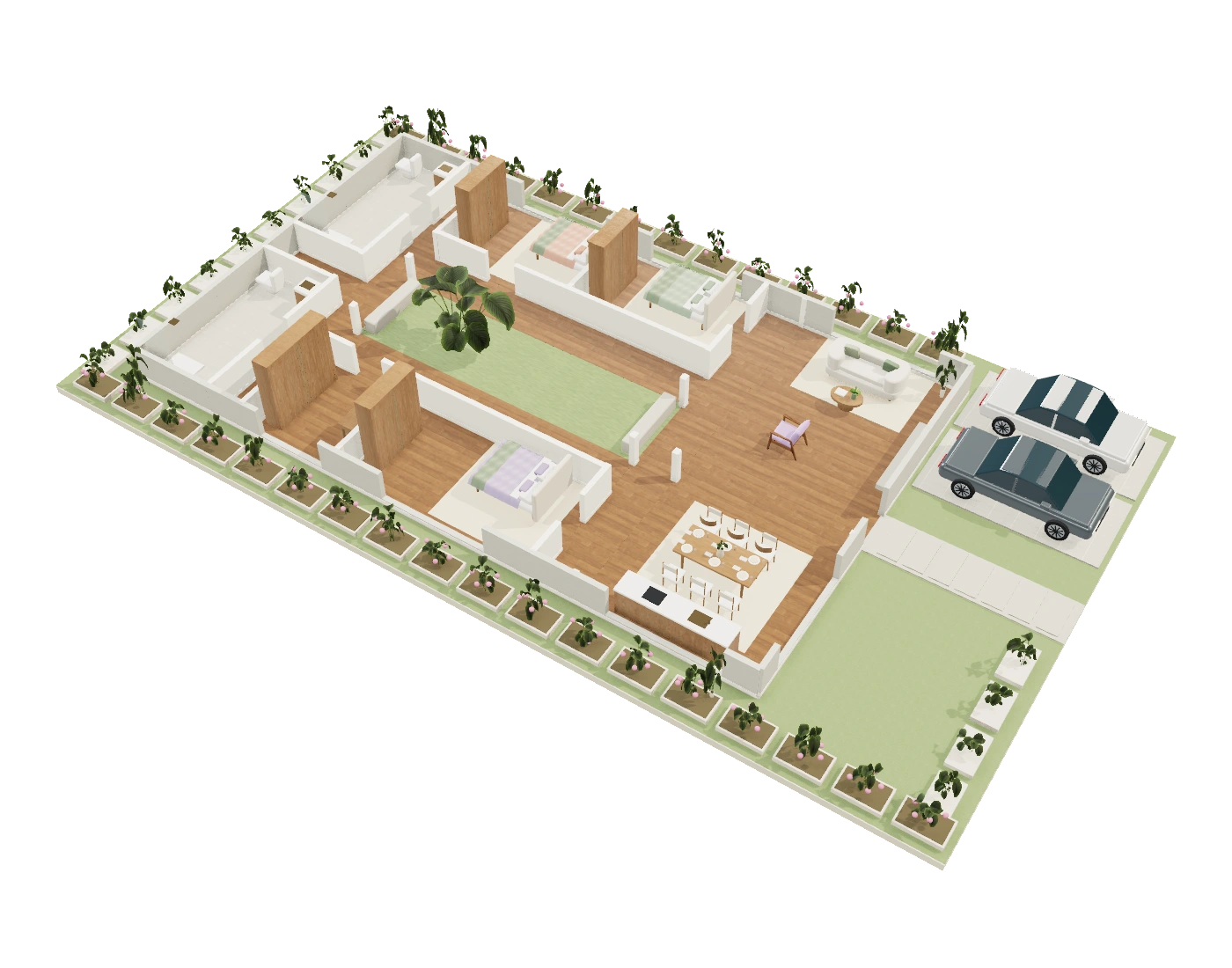
One idea, from your first dimensions to a space you can explore.
Add dimensions and room needs.
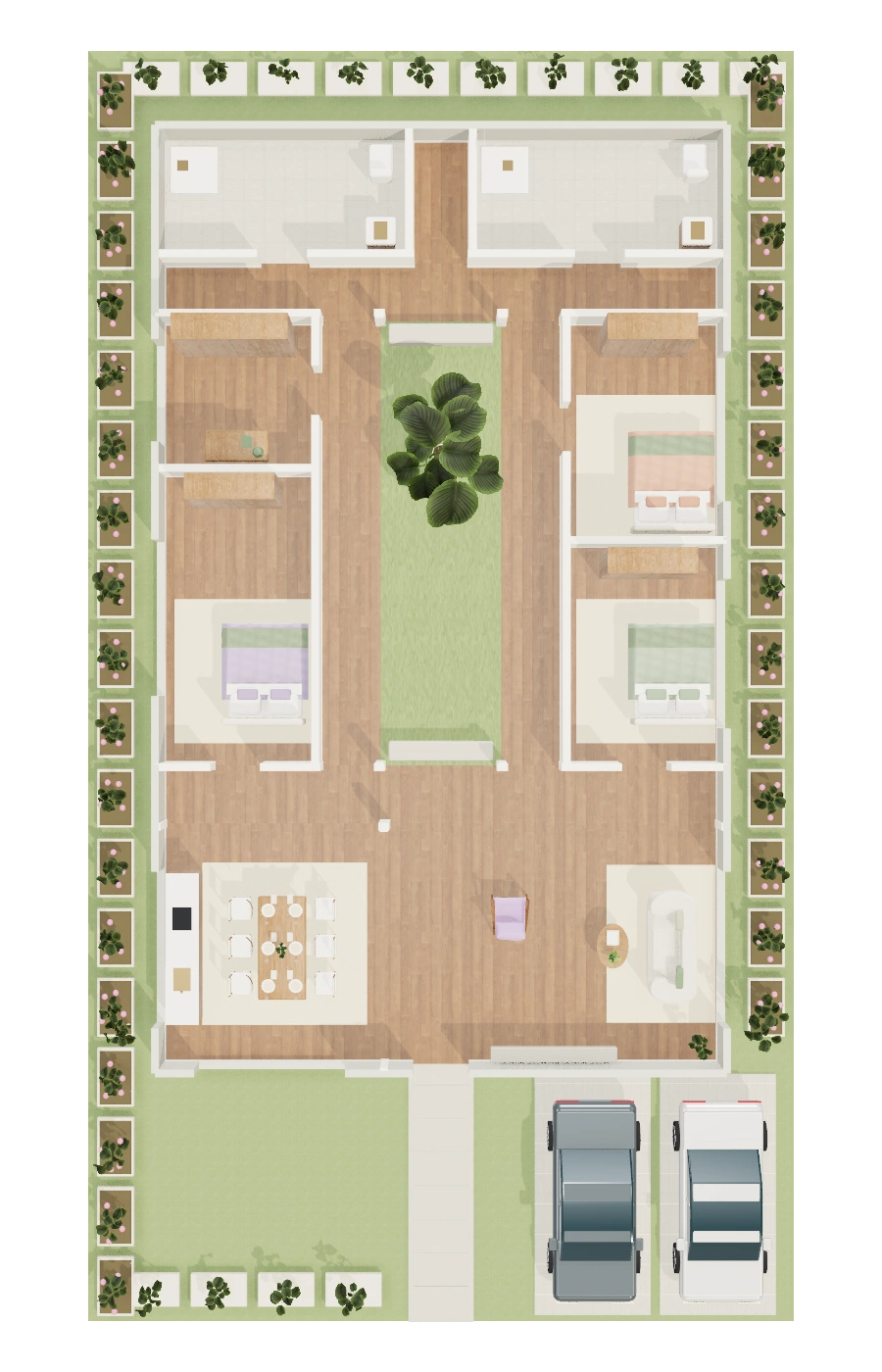
Adjust spaces and arrange furniture.
See how your ideas feel in space.
TRY A SAMPLE HOME
Explore a furnished sample home, from the whole layout to every room.
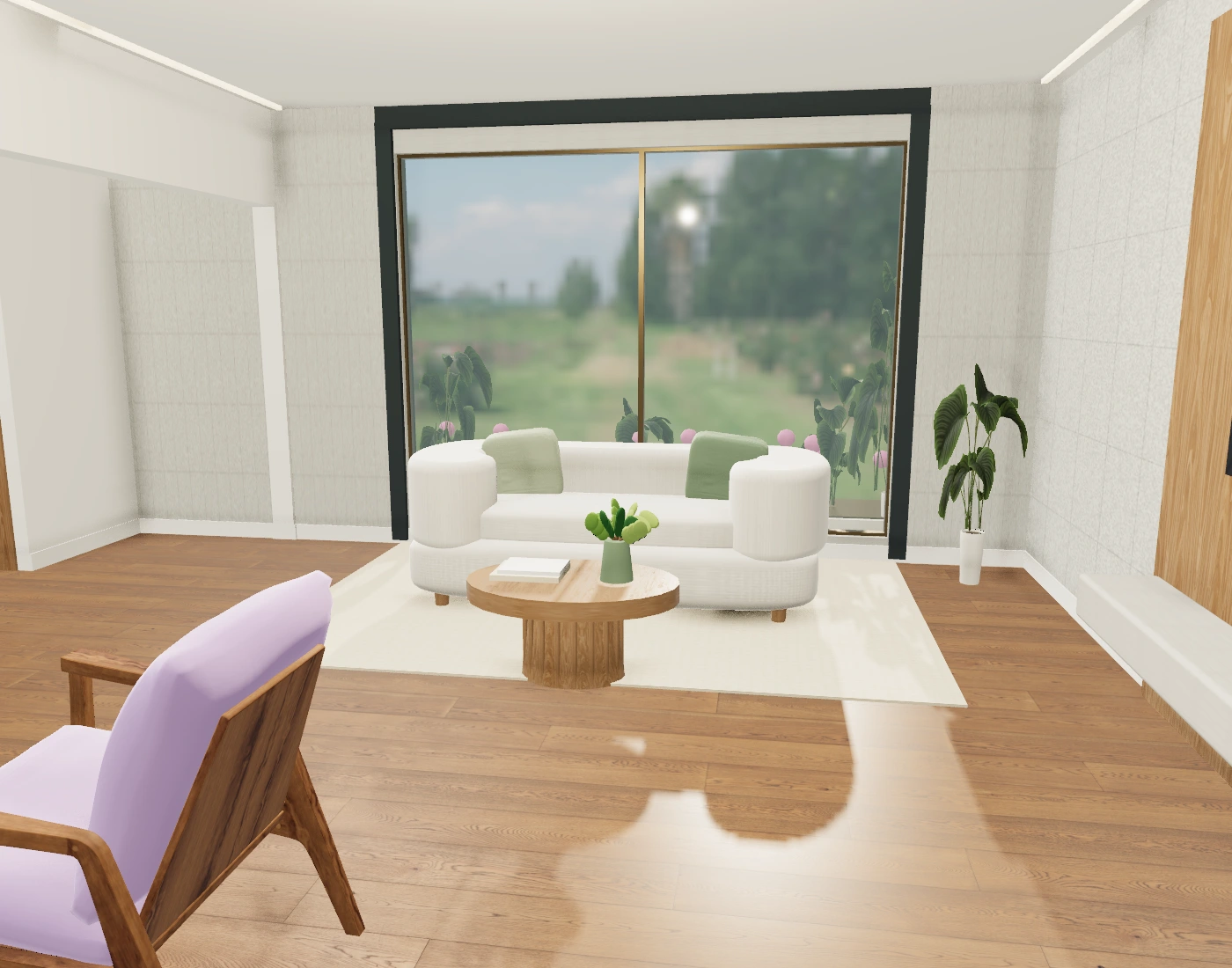
Sample concept · Your layout will reflect your plot and choices. Open Home Studio
Start with a concept. Adapt it to your life.
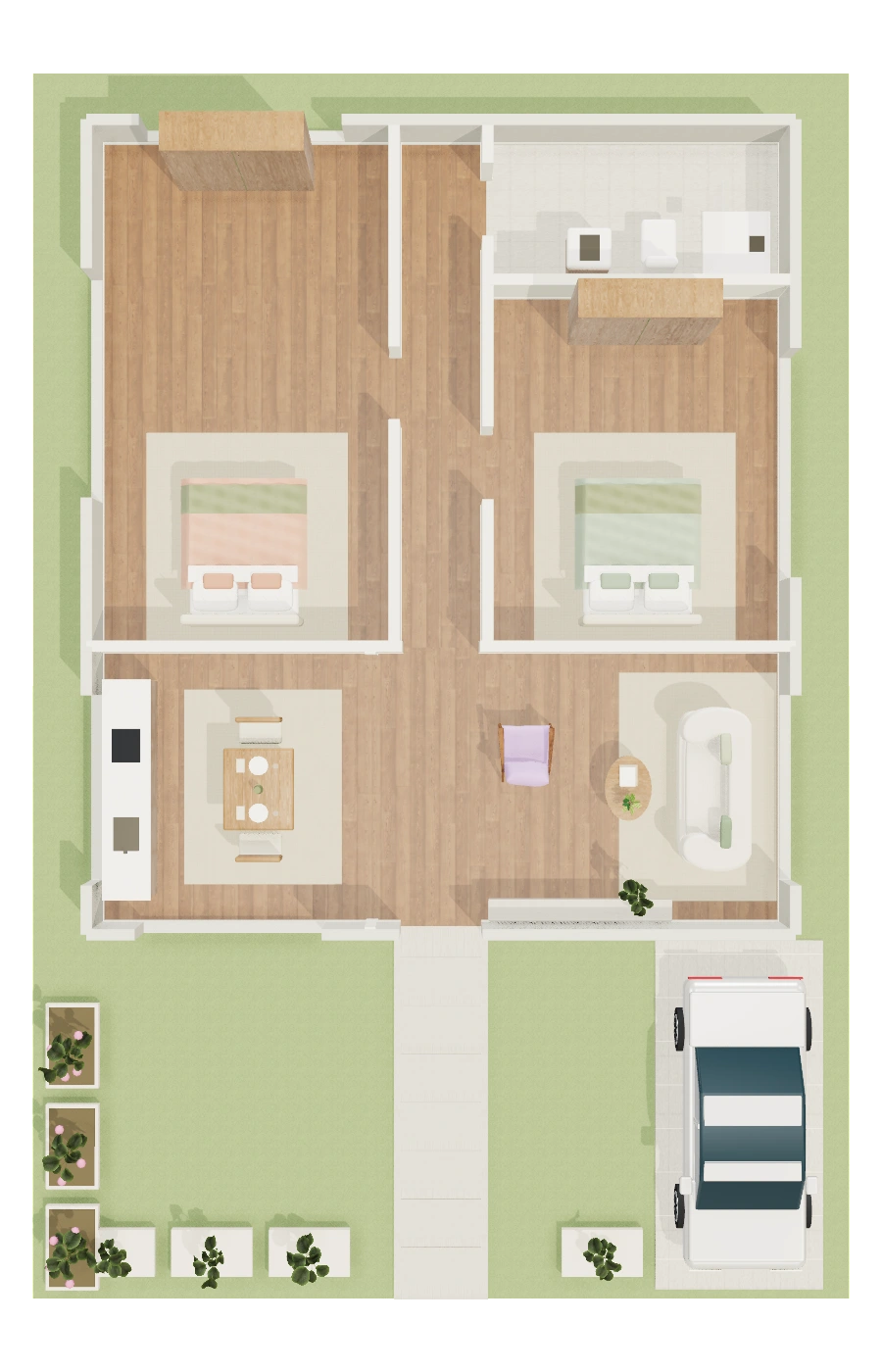
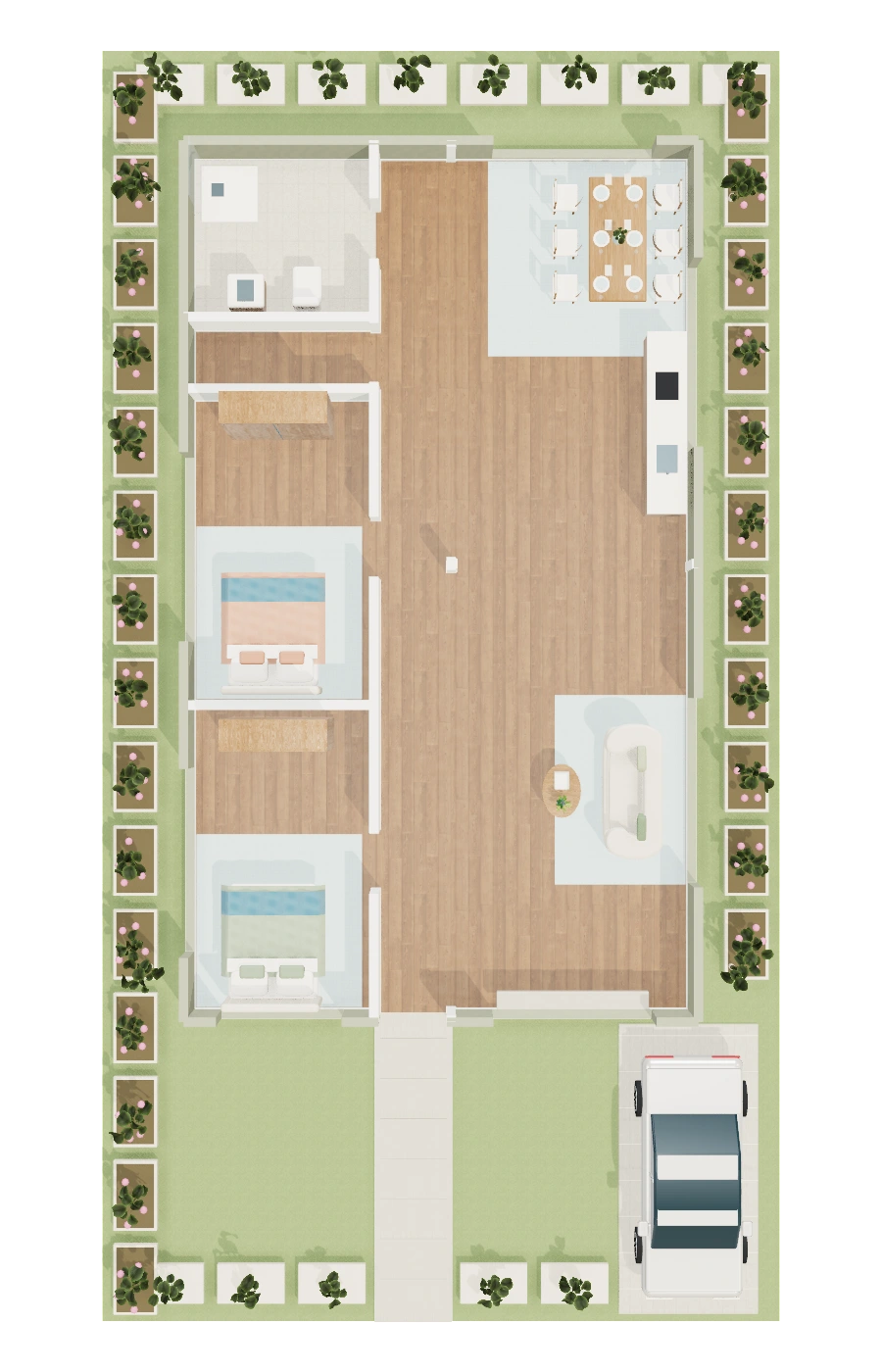
A planted courtyard, sheltered galleries and private bedroom wings
Explore this plan ↗Try room layouts and furniture before you decide.
Explore your 3D home and walk through its rooms.
Bring a clearer concept to your architect.
GOOD TO KNOW
These are concept plans. Have an architect review dimensions, structure, setbacks and local requirements before construction.
Yes. Change supported room partitions and proportions, doors, windows, finishes and furniture. The floor plan, 3D view and walkthrough use the same home model. Arbitrary wall drawing and complex sites are not supported.
No. Create, edit, explore and download a home without signing in. An account is needed for private saves across devices. AI is optional and subject to availability.
It is an interactive walkthrough of your actual 3D model: you can look around and move between rooms. It is not a photographed panorama or a photorealistic video.